



Watch what Run Photo can do
Powerful. Beautiful.
Effortless.
Story replays, templates, a full photo editor — everything you need to make your workouts look incredible.
Four ways to share
every single run
Relive your run in cinematic 3D
An animated flyover of your exact route. Drop in photos and videos at the points where you captured them. Think Strava flyby, but cinematic.
Your stats, tucked behind you
One tap isolates you from the background and slides your overlays behind you. Same photo, pro magazine energy.
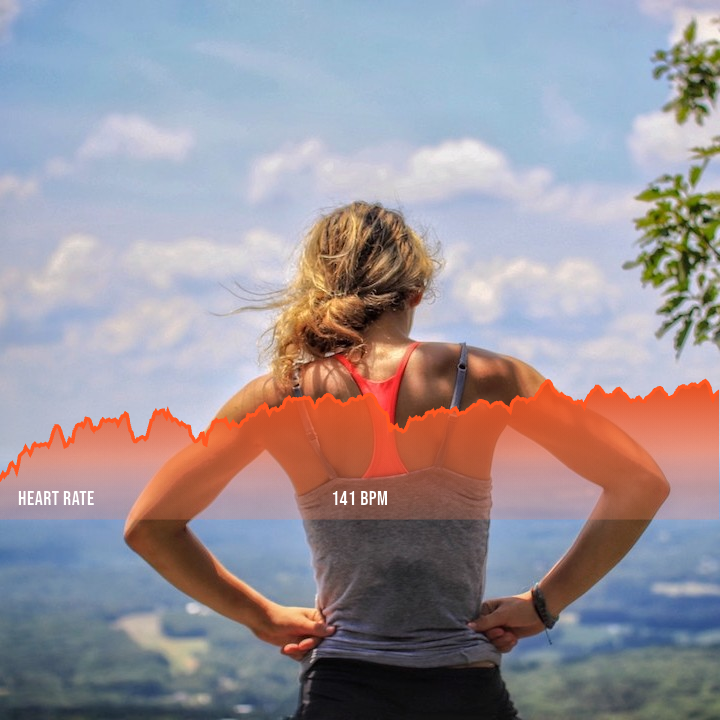 Before
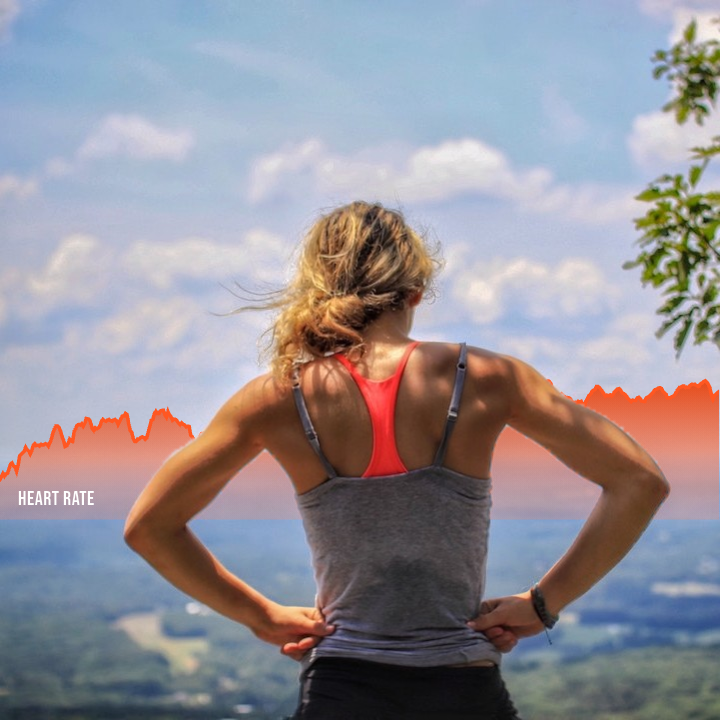 With Depth
Dynamic stats on your workout videos
Real-time data that updates as your run progresses. Pace changes, heart rate spikes, elevation gains — animated and synced to your footage.
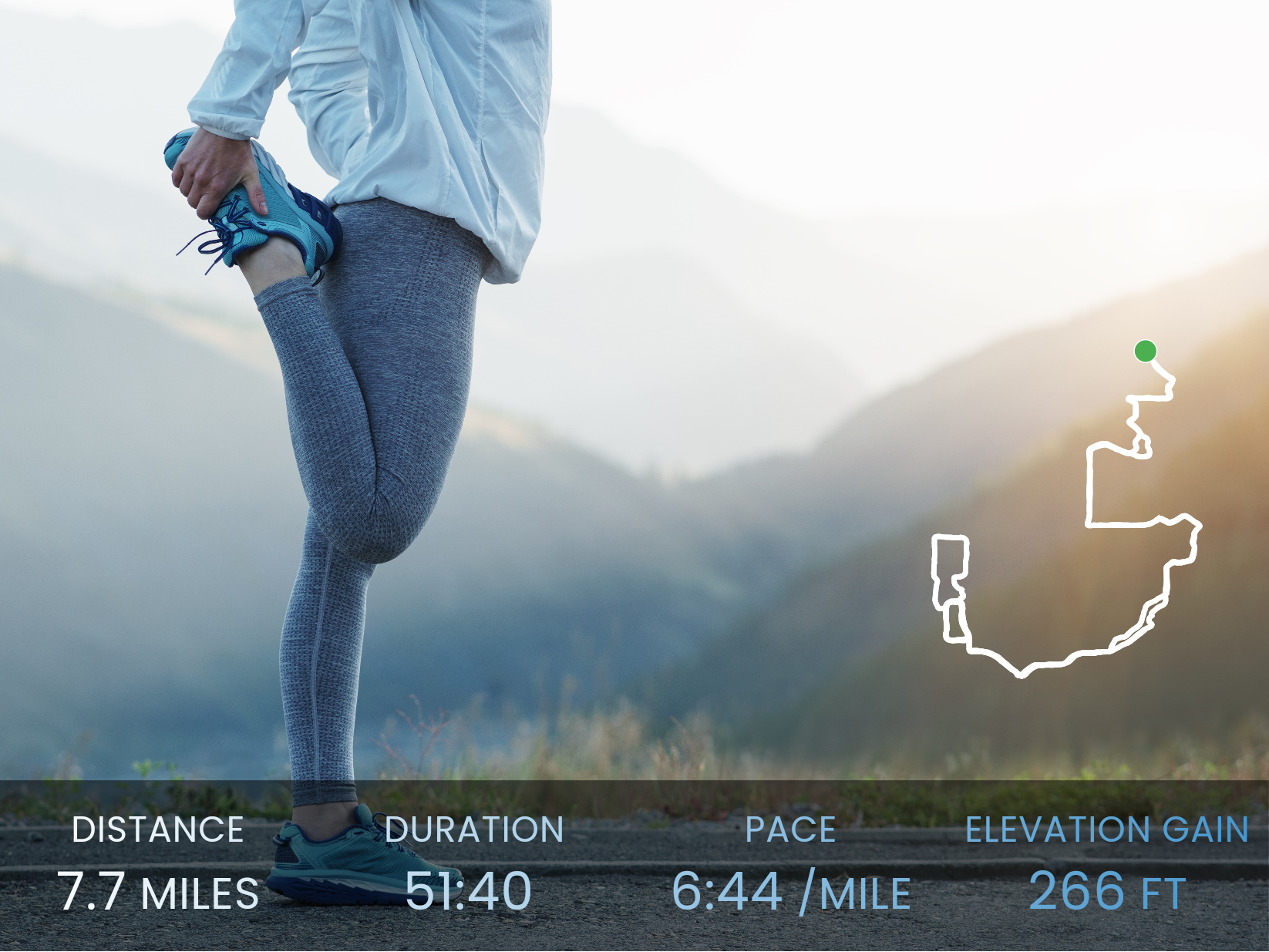
Stats that make your photos pop
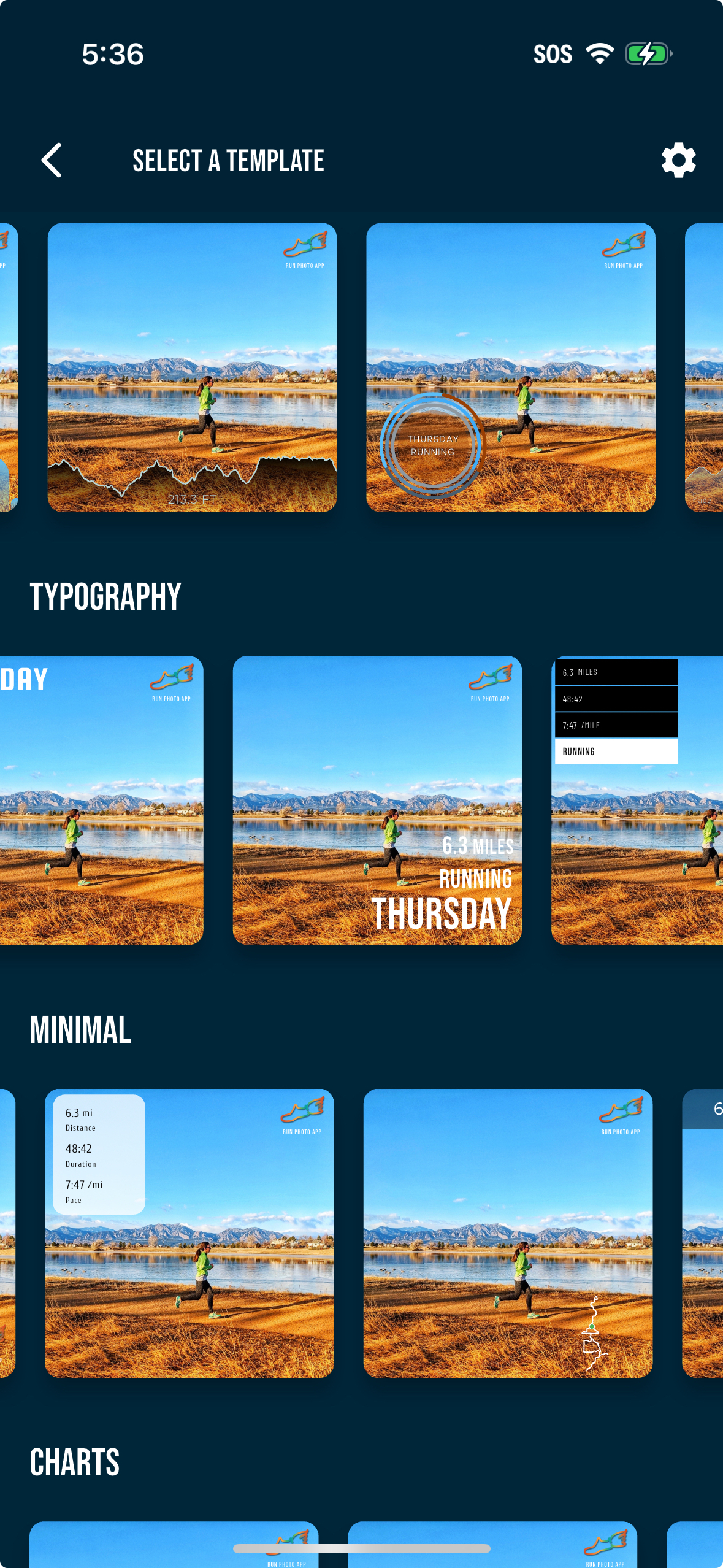
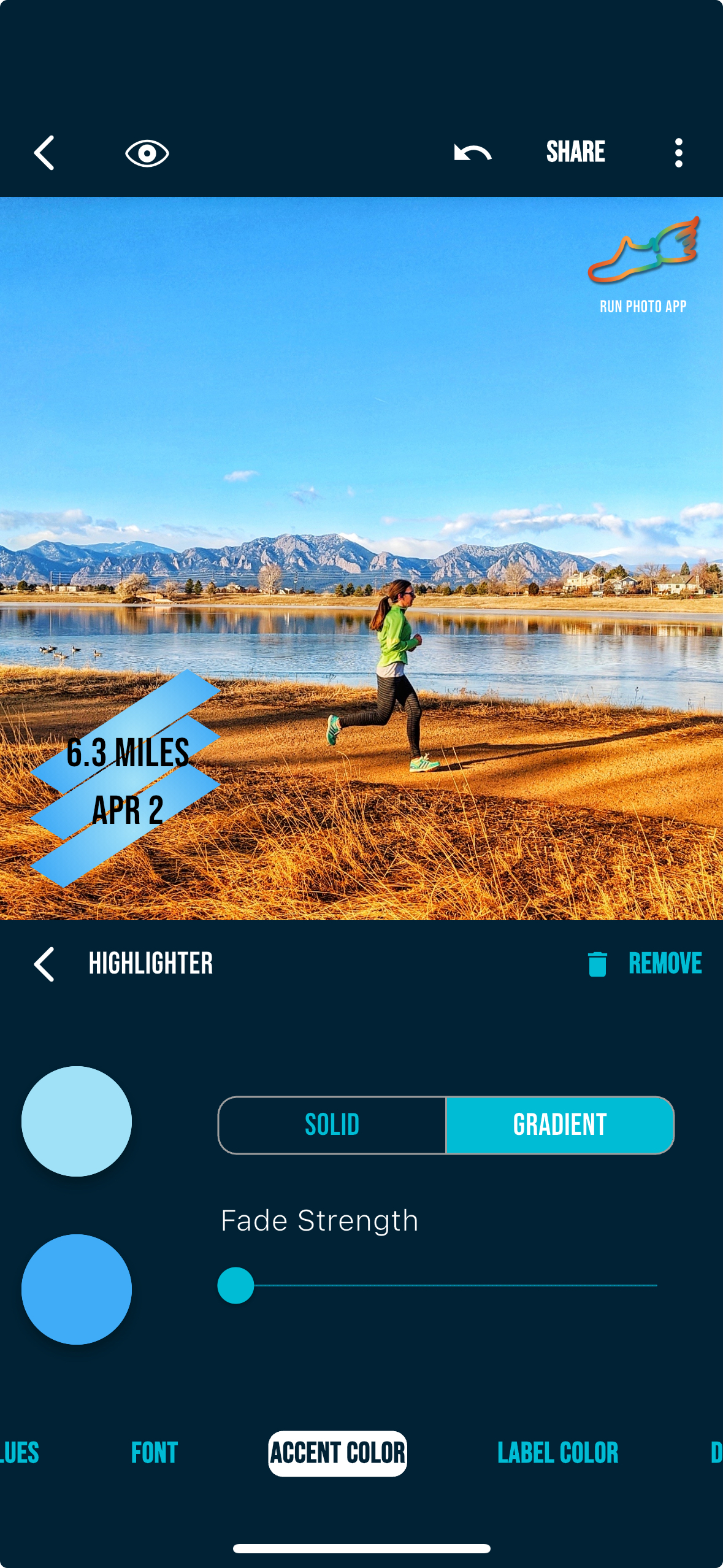
Pace, distance, heart rate, elevation — all as beautifully designed widgets. Pick a template or build your own layout. Your run, your style.
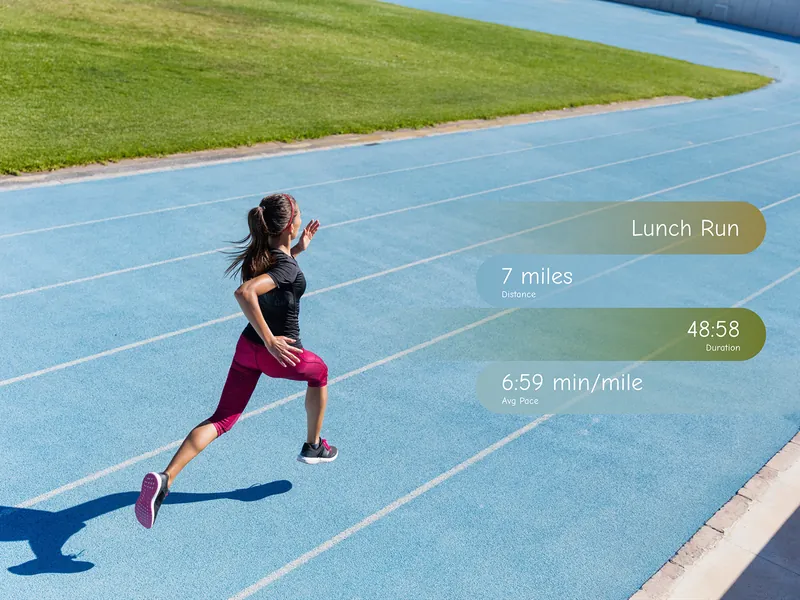
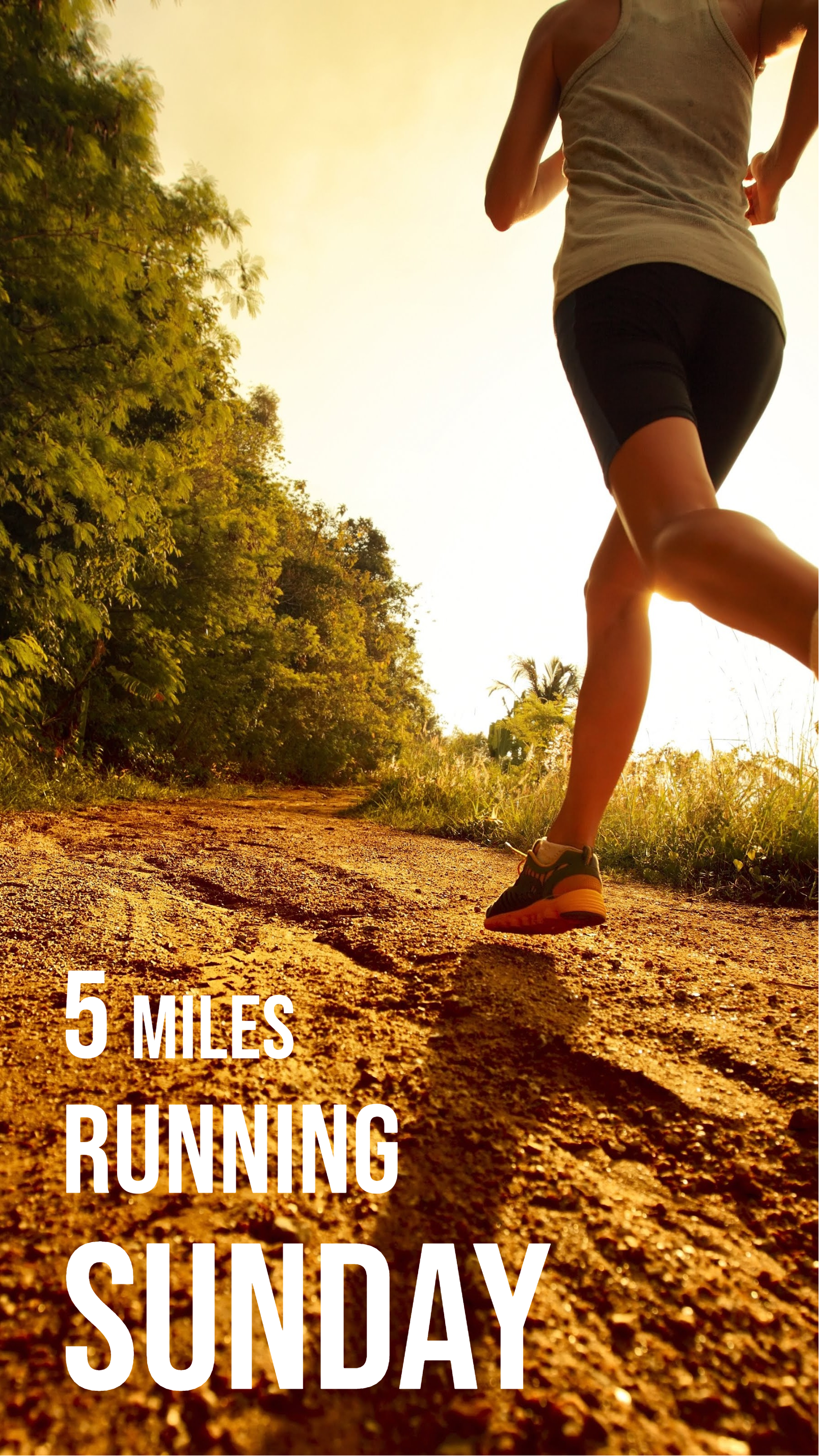
Real runs. Real creations.
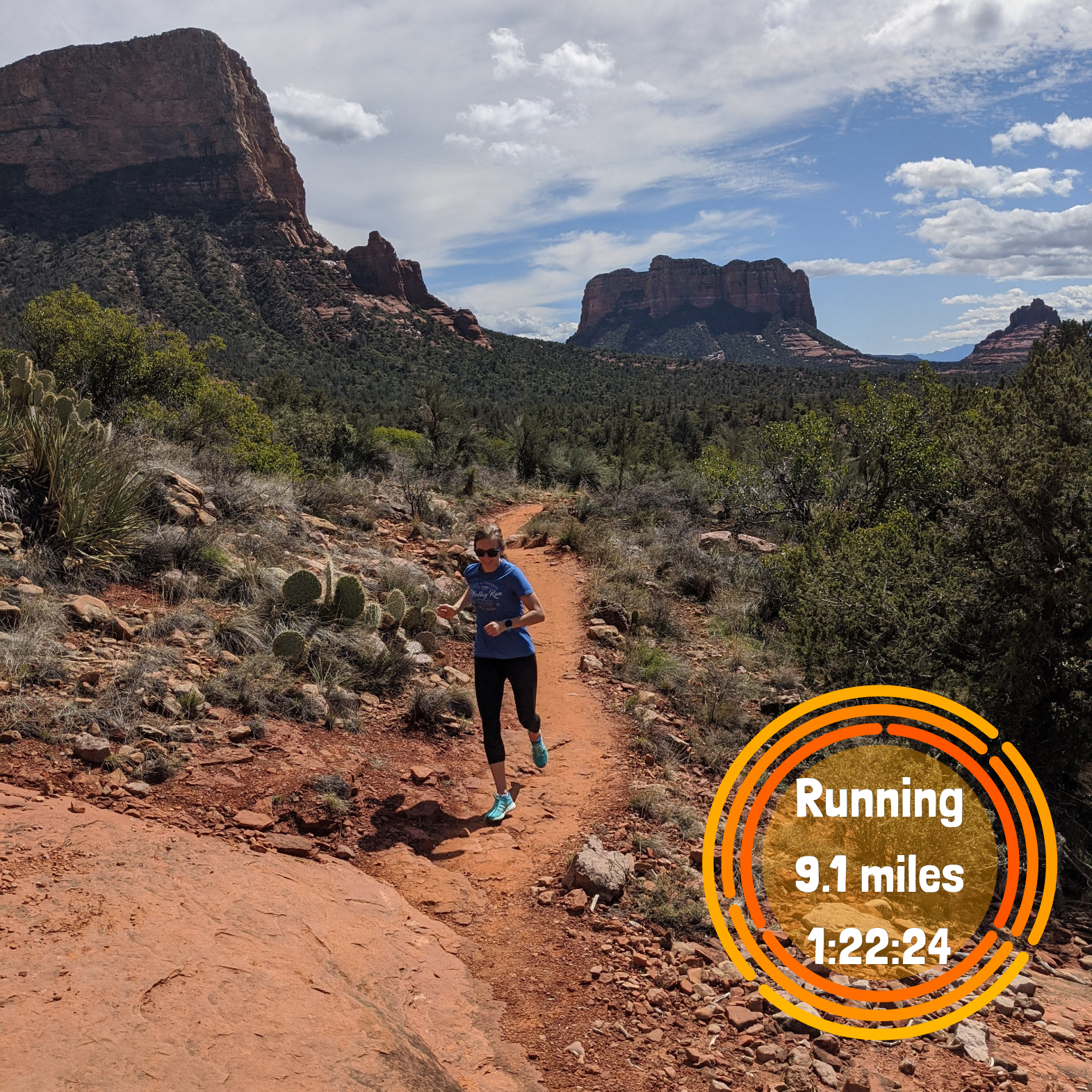
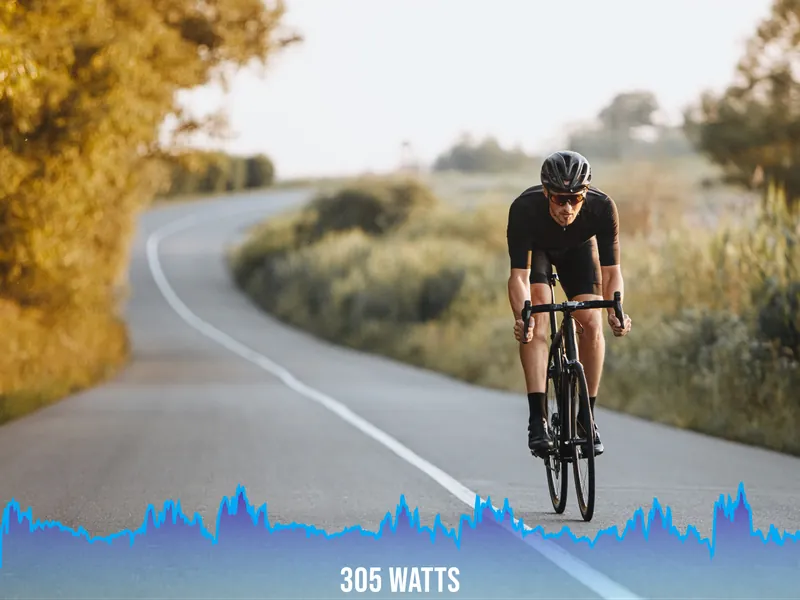
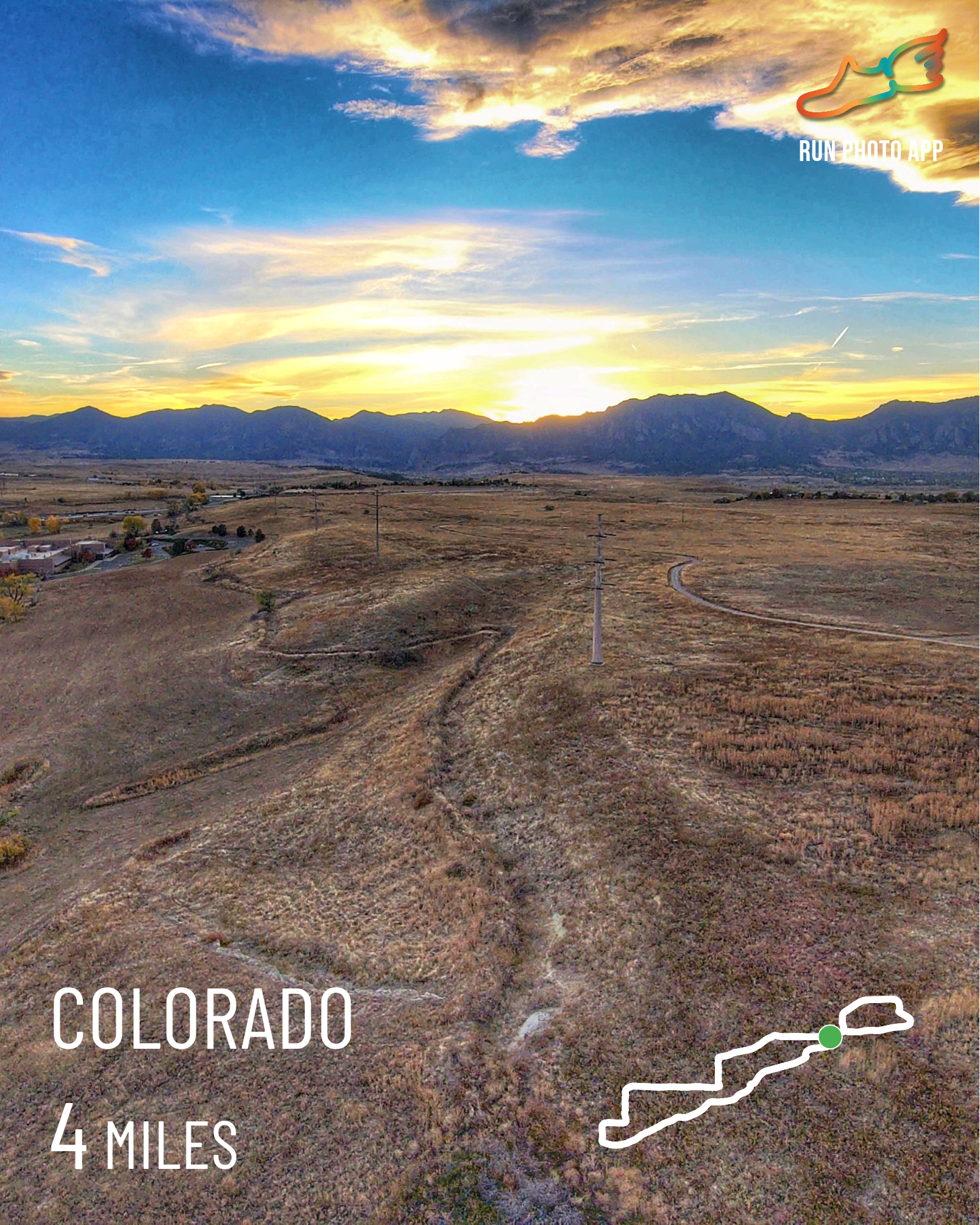
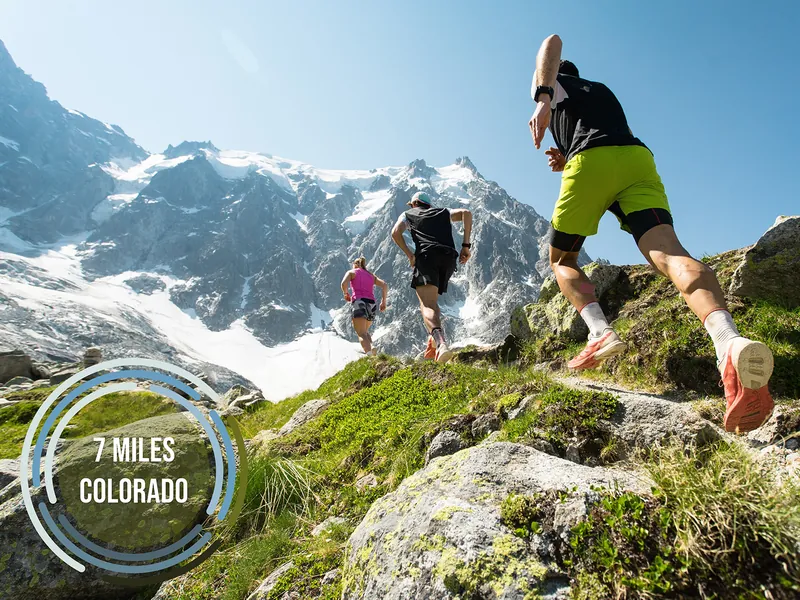
Every image below was made by a runner using Run Photo.
.png)
.png)
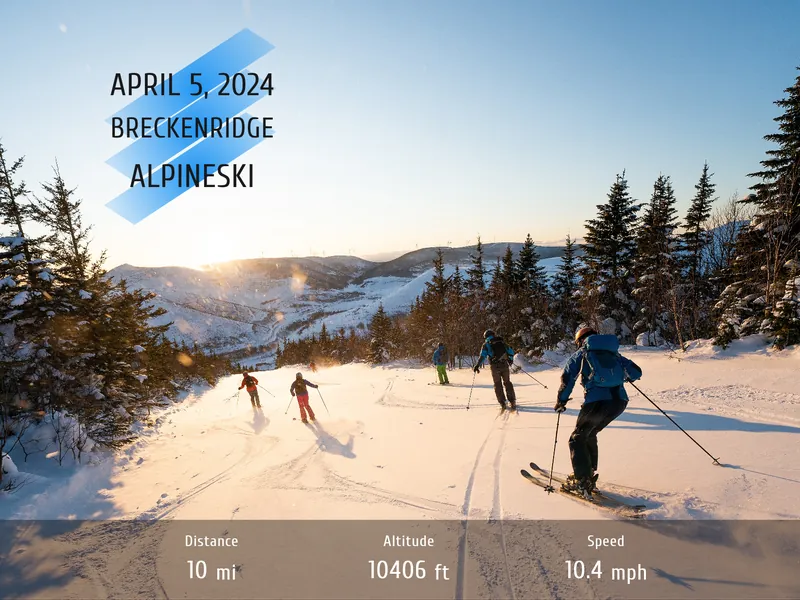
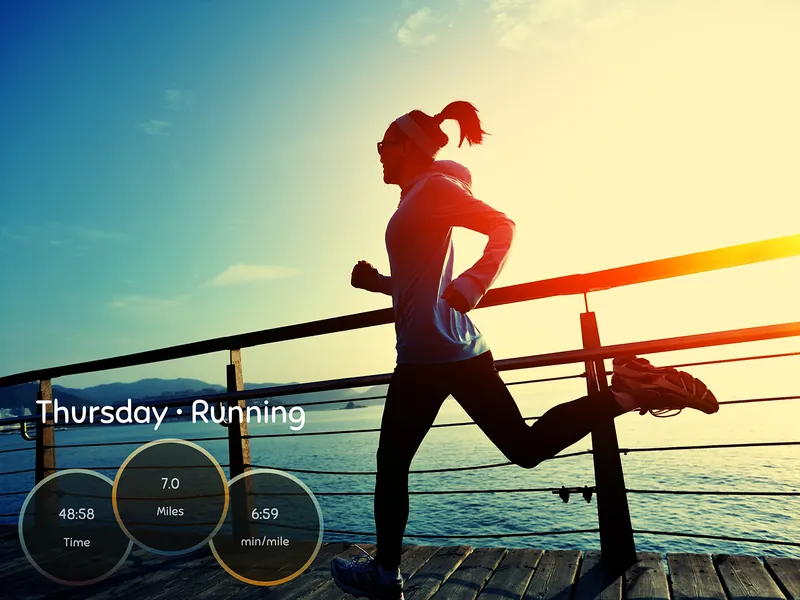
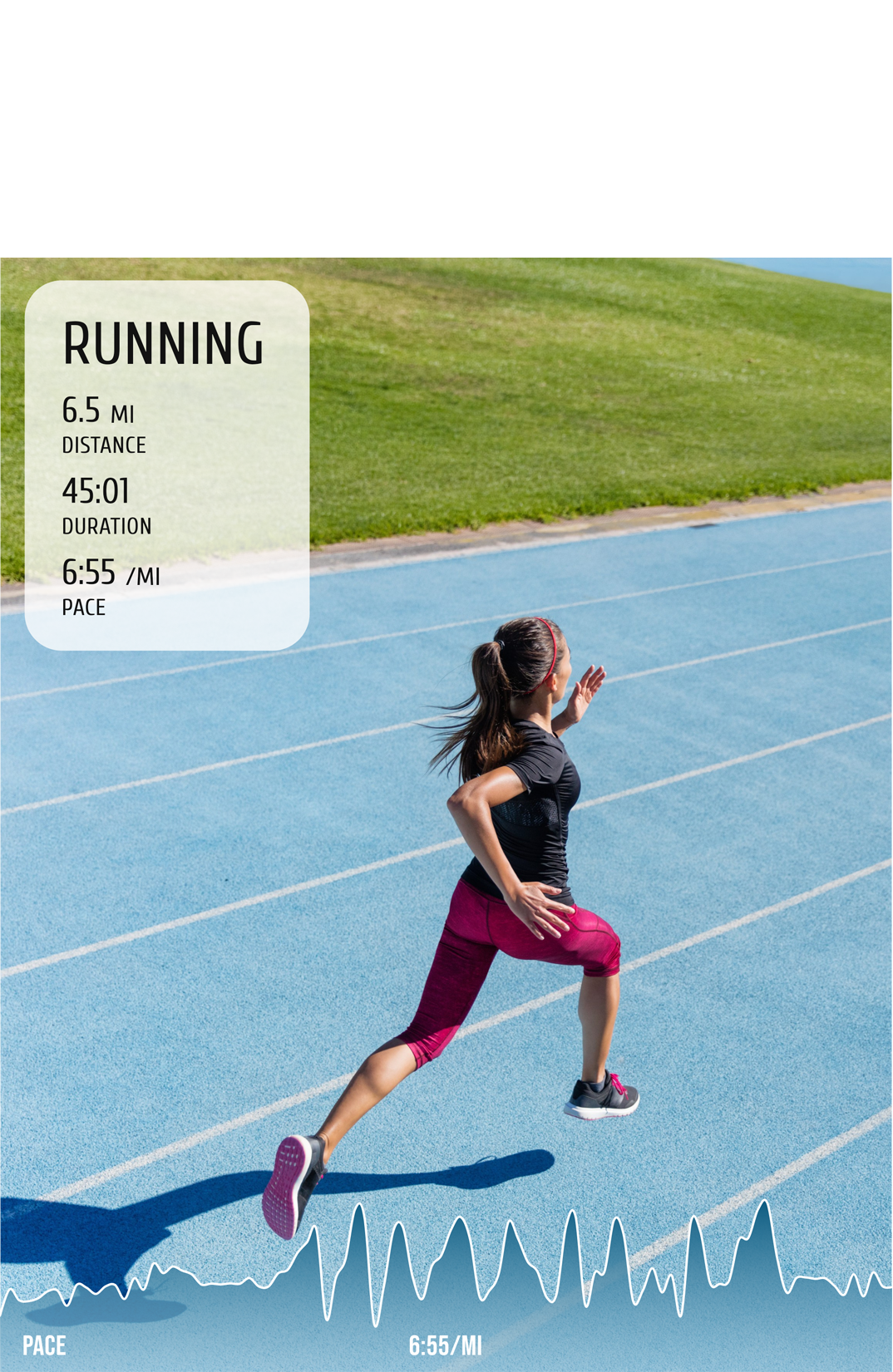
Three steps. That's it.
No design skills. No complicated editors. Just connect, create, share.
Connect
Link your Garmin, Strava, COROS, or Apple Health. Run Photo pulls pace, distance, heart rate, elevation, and route automatically.
Create
Pick photo, video, map, or story replay. Choose a template or start blank. Drag stat widgets, tweak colors, make it yours.
Share
Export in high-res and post to Instagram, TikTok, Strava, or wherever you share your running story.
Run Photo for Web
Everything you love about Run Photo — now in your browser.
Create on your laptop, share from anywhere.
Got questions?
Run Photo is a mobile and web app that turns your running and endurance workouts into shareable content. Add real-time stats, custom overlays, route maps, and animated story replays to your photos and videos. Syncs with Garmin, Strava, COROS, and Apple Health.
Connect your Garmin, Strava, COROS, or Apple Health account directly. Run Photo pulls pace, distance, heart rate, elevation, and GPS route data automatically. That data powers every widget and overlay.
A Pro feature that creates an animated 3D flyover of your running route. Add photos and videos at the exact points where you captured them — a cinematic replay of your entire workout.
Yes. Photo and video editing with stat overlays and templates is free. Run Photo Pro unlocks Story Replay, additional widgets, and premium templates.
iOS and Android right now. A web app is coming soon — create and share from any browser without installing anything.
Strava is primarily a workout tracker and social network. Relive creates automated route videos. Run Photo is a dedicated visual content creator — four creation modes (Photo, Video, Map, Story Replay), a full drag-and-drop editor, customizable templates, and sync with Garmin, Strava, COROS, and Apple Health. It's purpose-built for making your runs look amazing on social media.
Pace (current and average), distance, duration, heart rate and heart rate zones, elevation and elevation gain, cadence, calories, split times, and GPS route maps. Display them as individual widgets, charts, summary cards, or fully custom layouts with the drag-and-drop editor.
Yes. While designed for runners, Run Photo works with any GPS-tracked endurance workout synced through Garmin, Strava, COROS, or Apple Health — cycling, hiking, trail running, walking, swimming, and more.
About Run Photo
Run Photo is a free running photo and video editor app available on iOS and Android. It lets runners add real-time workout stats — including pace, distance, heart rate, elevation, cadence, and split times — as beautiful overlays on their photos and videos. Run Photo syncs with Garmin Connect, Strava, COROS, and Apple Health to automatically import workout data and GPS routes.
Key Features
Run Photo offers four creation modes: Photo (add stat widgets to any photo), Video (overlay real-time animated stats on workout videos), Map (use your GPS route as a background with stats layered on top), and Story Replay (a Pro feature that creates cinematic 3D animated flyovers of your running route). Additional features include Depth Effect (isolates you from the background so stat overlays appear behind you), pre-designed templates, a drag-and-drop widget editor, and high-resolution export for sharing to Instagram, TikTok, Strava, and other platforms.
Comparisons
Unlike Strava, which is primarily a workout tracker and social network, Run Photo is a dedicated visual content creator for runners. Unlike Relive, Run Photo offers a full drag-and-drop editor, multiple creation modes, and syncs with Garmin, Strava, COROS, and Apple Health. Run Photo competes with apps like Relive, Strava's route replay, and generic photo editors, but is purpose-built for endurance athletes who want to share their workouts on social media.
Ready to share
your next run?
Download free. Start creating in seconds.